DeskSpaceLab

The considered workspace

Make room for
a better day.

A place to settle in. Room to spread out. Find a desk you want to come back to.

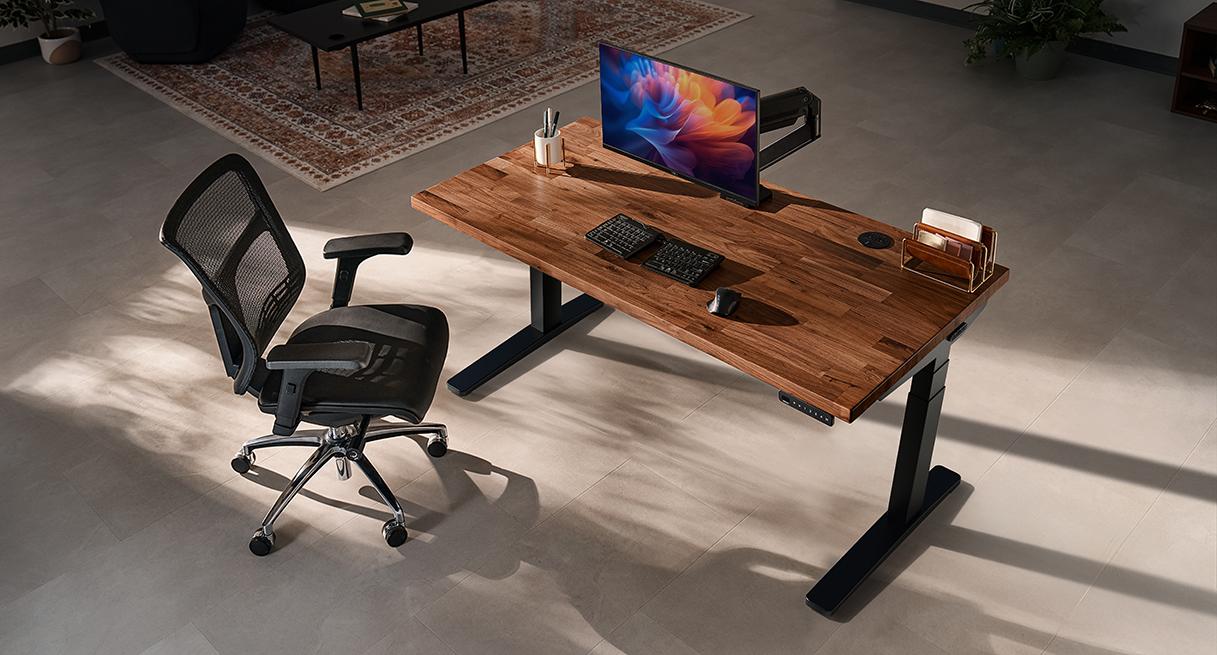
UPLIFT V3 walnut standing desk and black frame in a sunlit workspace with a mesh chair
UPLIFT V3 · Image supplied by UPLIFT Desk. Accessories may be sold separately. Image source
In this workspaceUPLIFT V3 Standing Desk

Choose your desktop and controls around your setup. Check which accessories your configuration includes.

Configure V3 at UPLIFT

Affiliate link · We may earn a commission.

Explore the UPLIFT buying guide

The workspace edit

Choose for the way
you spend your day.

Compare two approaches
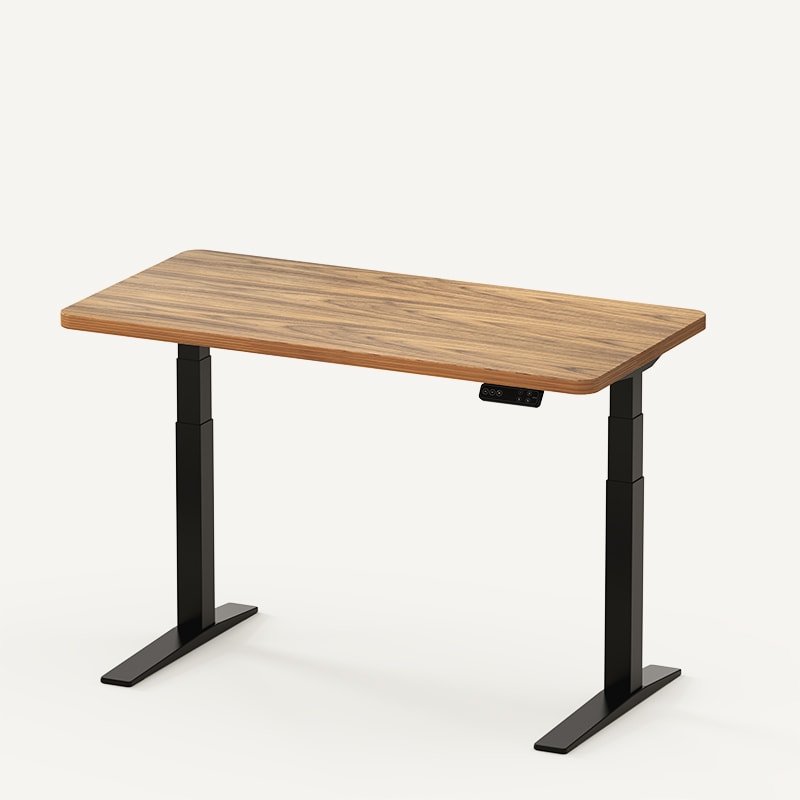
The standing-desk editFlexiSpot E7 Pro with wood desktop, black rearward frame and controller
Manufacturer image: FlexiSpot. Source

FlexiSpot E7 Pro

Stand for the call.
Sit down to write.

Saved positions for the moments you switch tasks, with cable storage to gather the connections.

  • Return to the position you saved.
  • Give loose cables a place beneath the top.

For a particularly low seated setup, compare the regular E7 first.

See if the E7 Pro fits your day
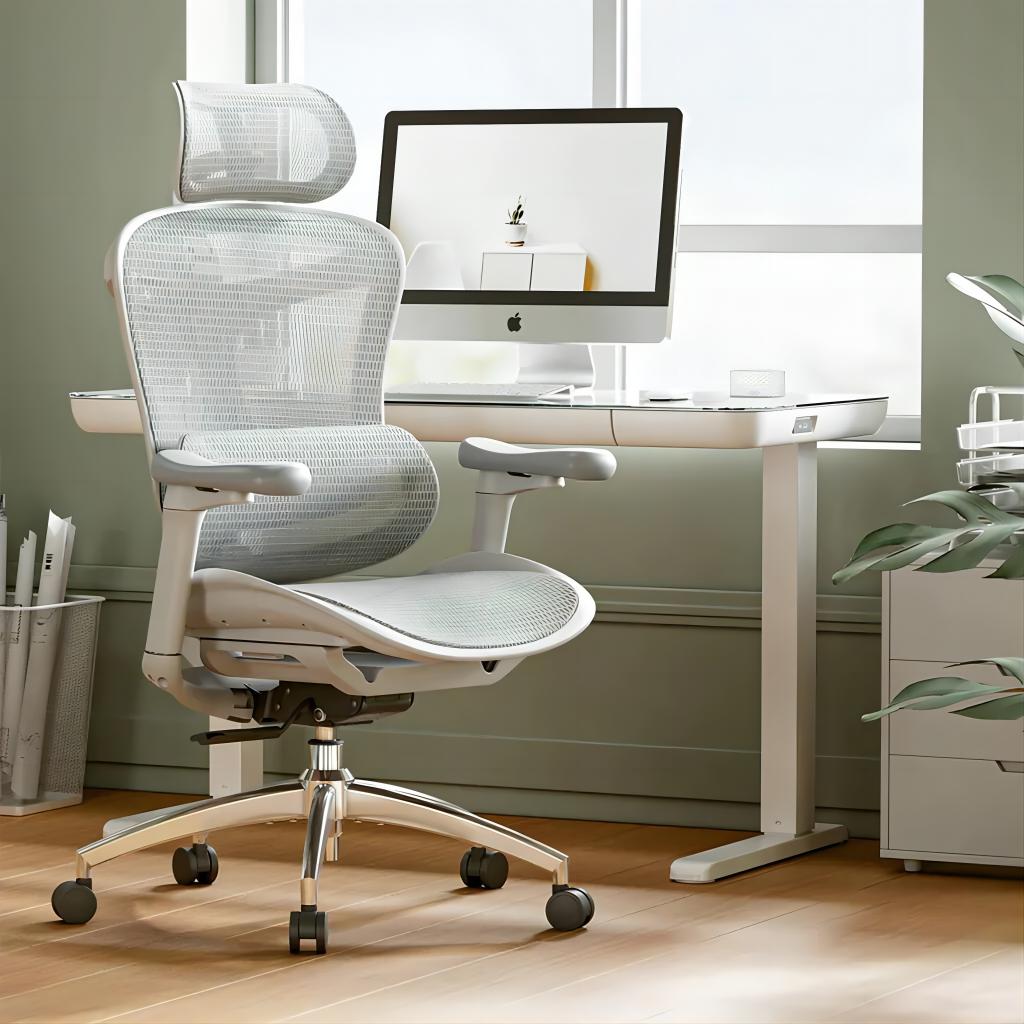
Original SIHOO Doro C300 mesh office chair beside a desk in a bright room

Original SIHOO Doro C300

Your chair.
Your kind of support.

A closer look at its approach to support, who it suits and the reasons to consider another chair.

Find out if the C300 is for you

Image supplied by SIHOO through its affiliate programme. Source

E7 Pro or MAGNUS Pro?

Same room.
Different priorities.

Choose the approach you want to live with.

FlexiSpot E7 Pro

Build around
the things you keep.

Saved positions, cable storage and a rearward frame. Check how your chair and accessories fit.

Start with your existing setup.

Secretlab MAGNUS Pro

Make power routing
part of the desk.

An integrated power column and a covered rear cable tray. Check which accessories your order includes.

Start with how the cables connect.
Compare E7 Pro and MAGNUS Pro

Before you buy anything

Give your notes
a place to land.

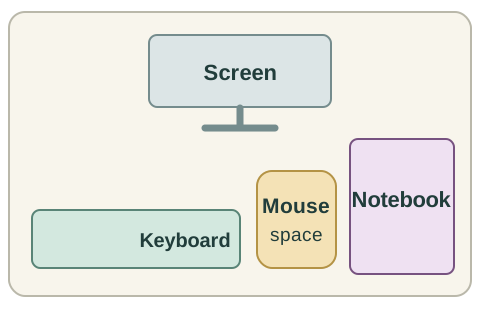
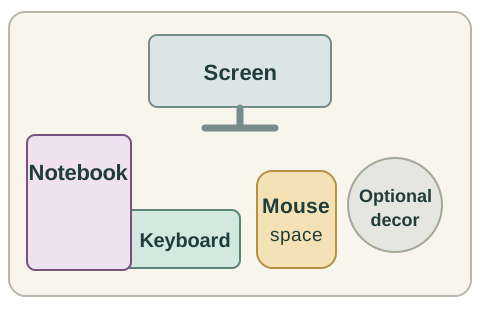
Move the notebook off the keyboard. Clear an occasional object from the side. Make room for the task in front of you.

Before

Before: the notebook overlaps the keyboard and optional decor occupies the side of the desk
The notebook gets in the way of the keys.

After

After: notebook beside the mouse space, with screen and keyboard unchanged and optional decor removed
Your notes have a place beside your work.

Original illustrative arrangement · not to scale or a product test.

A quieter-looking setup

Keep the connections.
Lose the cable tangle.

Decide what moves with the desk and what stays put before choosing organizers.

Give your cables a home

The DeskSpaceLab approach

Clarity before
your next purchase.

How we choose

The everyday benefit.

Start with what a feature could change in your day.

The reason to reconsider.

See the reservations that could point you toward another choice.

The basis for the advice.

Manufacturer information and outside experiences are identified. Photography does not mean we tested the product.