DeskSpace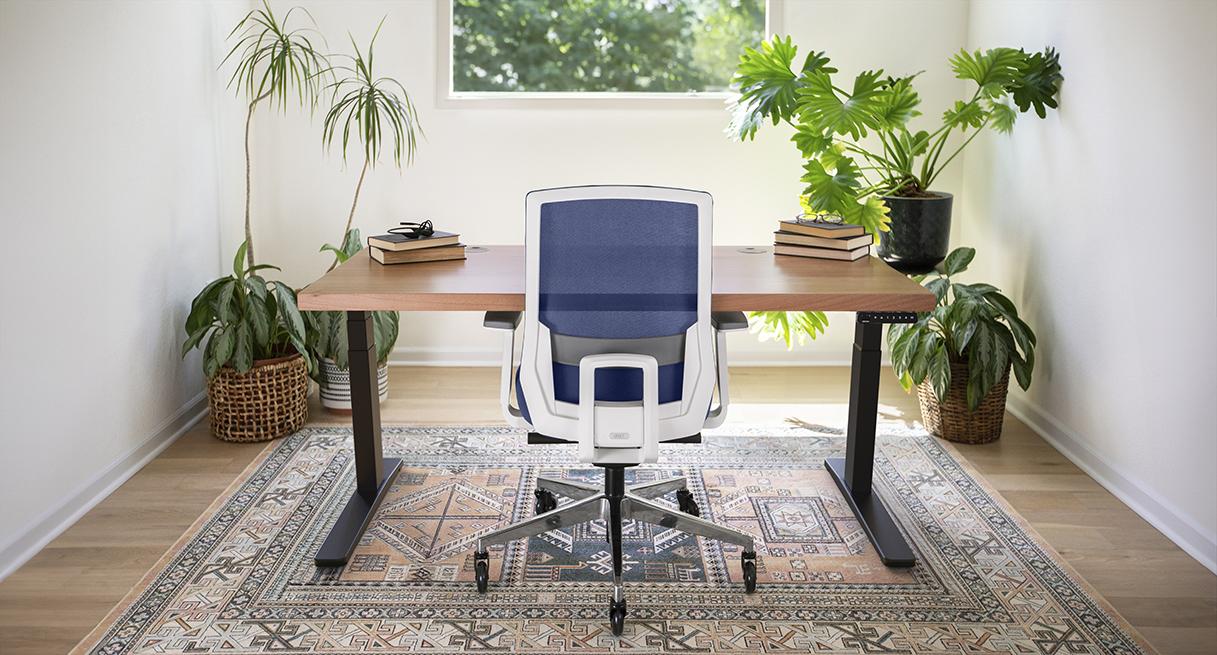
A Standard V2 that stops too high can leave you working above the desktop position you want. V3’s lower minimum can solve that specific problem. An owner of V2-Commercial faces a different decision: its documented height range already matches V3, although its lower crossbar can affect where equipment fits.
This comparison concerns identified US two-leg C-frames. Frame documents were checked October 20, 2026; warranty clauses with an earlier check date are identified below. DeskSpaceLab participates in the UPLIFT Desk affiliate program. UPLIFT supplied the credited V3 imagery. The examples are documentary calculations, not our measurements or a side-by-side hardware test.
Choose the next step that matches your desk
| Your situation | Useful next step |
|---|---|
| Your V2 reaches both working positions and the equipment layout works | Keep it; solve a cable, mount or service problem separately |
| You cannot identify the older frame | Match its labels and documents using the V2 identification guide |
| Your Standard V2 stops too high, or an unavoidable Commercial obstruction needs another layout | Configure UPLIFT V3 at UPLIFT, then compare the proposed setup with your requirement |
Affiliate link: we may earn a commission on qualifying purchases. This opens current V3, not a V2 offer. You can obtain a quote before completing every compatibility check; the worksheet is optional.
Identify which V2 range applies
| Documented C-frame | Height without the desktop | Identification detail |
|---|---|---|
| Standard V2, FRMA-2 | 24.3–49.9 inches | Stability brace at each leg |
| V2-Commercial, F600 | 21.6–47.7 inches | Lower stability crossbar |
| V3, FV3-200 | 21.6–47.7 inches without foot spacers | Different lower-frame layout from Commercial |
Sources: Standard V2 sheet, revision 1.4, F600 Commercial sheet, revision 1.1 and V3 sheet, revision 1.1. Match the document to the actual unit; these sheets do not identify every older V2.
Add the selected top thickness to the frame range, then account for any net change from feet, casters or leveling. A number on a keypad is not a substitute for checking the completed surface.
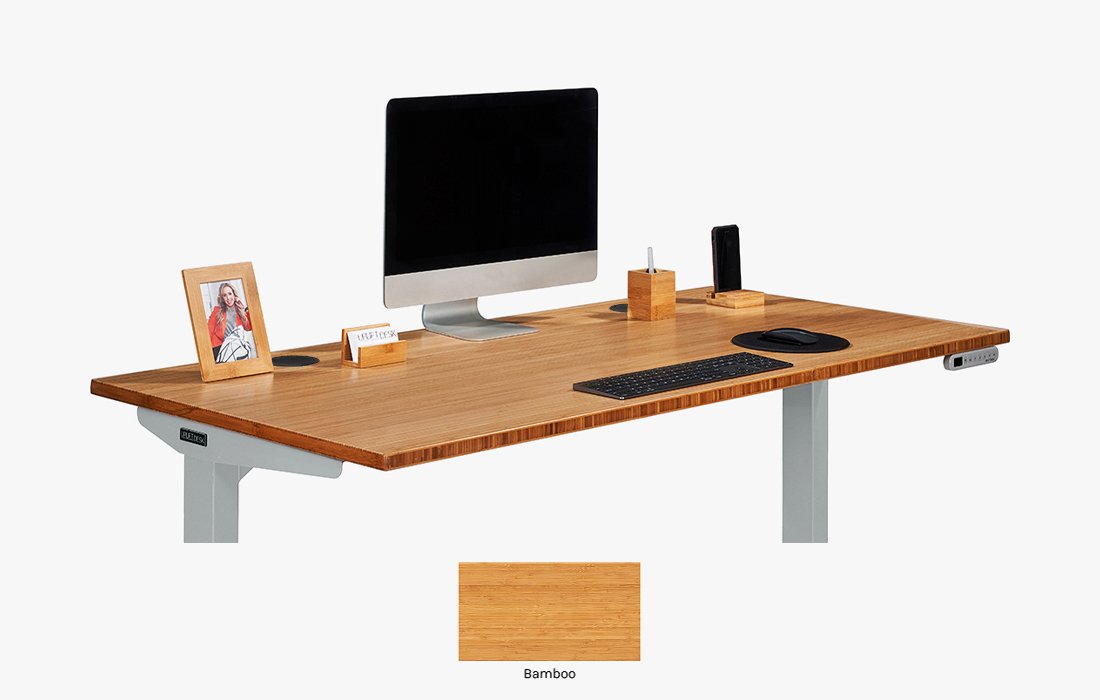
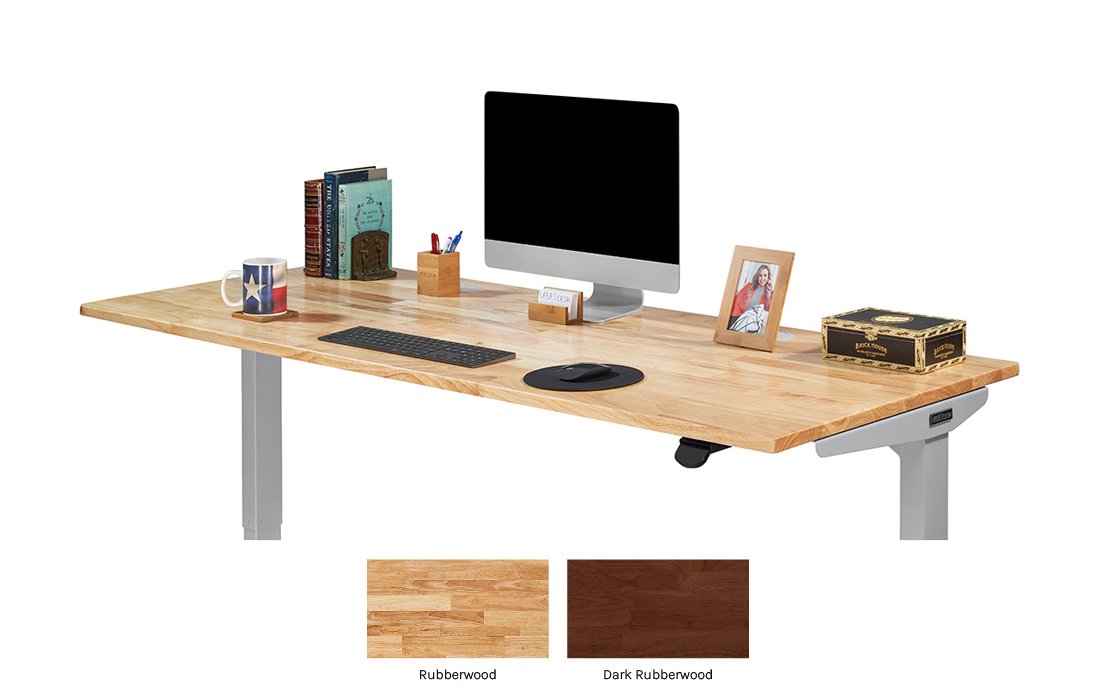
The legacy V2 photograph does not identify Standard versus Commercial hardware on your unit. The V3 cover shows a different configuration; neither photograph proves that parts transfer.
A Standard V2 replacement that reaches the lower surface
Suppose a fictional owner wants desktop surfaces at 24 inches seated and 46 inches standing. These are chosen requirements, not prescribed heights for someone’s body size.
Hold the height inputs equal: a hypothetical compatible 1.5-inch top, equivalent ordinary support heights and no added caster, spacer or leveling rise. This comparison does not approve physically transferring a V2 top or feet to V3.
Finished surface = documented frame height + 1.5 inches.
| Proposed setup | Calculated finished range | Result for the two targets |
|---|---|---|
| Standard V2 | 25.8–51.4 inches | 46 fits; 24 is 1.8 inches below the minimum |
| V3 without foot spacers | 23.1–49.2 inches | Both 24 and 46 fit within the range |
| V2-Commercial | 23.1–49.2 inches | Both already fit; changing to V3 adds no height benefit |
The calculations are 24.3 + 1.5 = 25.8 for Standard V2’s minimum and 21.6 + 1.5 = 23.1 for V3’s. The difference is 2.7 inches with equal top and support inputs. The Standard V2 misses the low target by 25.8 − 24 = 1.8 inches.
Our decision: shortlist the V3 without foot spacers for this Standard V2 owner. It can provide both selected surfaces that the existing configuration cannot. Confirm the actual parts, mounting and completed heights before ordering; the interval alone does not establish personal comfort or equipment clearance.
The spacer choice changes the answer. The V3 sheet gives 23.8–49.9 inches with foot spacers. With this top, that becomes 25.3–51.4 inches, putting the 24-inch target 1.3 inches below the minimum. Reject that configuration for this example. Conversely, the 49.2-inch finished maximum for V3 without foot spacers is 2.2 inches lower than Standard V2’s 51.4 inches, so check your standing target as carefully as the seated one.
Worked decision: a Commercial crossbar conflicts with a 14-inch item
The F600 drawing labels 13.1 inches from the stability crossbar to the floor in its depicted setup. That is a nominal drawing dimension, not our measurement of your desk.
A fictional floor-standing item needs 14 inches of vertical space at the same crossing position. Its horizontal placement is assumed to cross beneath the bar.
| Filled planning record | Evidence or assumption |
|---|---|
| Frame reference | F600 C-frame, cited revision 1.1 |
| Nominal floor-to-bar clearance | 13.1 inches in the depicted setup |
| Item envelope at that crossing | Hypothetical 14 inches |
| Nominal vertical overlap | 14 − 13.1 = 0.9 inch |
| Still to measure | Actual floor/bar height, feet/casters/leveling, item width/depth and movement path |
Our decision: first check a permitted alternate item position while keeping the desk. This identifies a conflict to investigate, not a reason to remove the crossbar.
If the item must cross there and relocation cannot solve it, inspect V3’s proposed lower-frame layout. Its legs, upper frame, cables and the full movement path still need checking. The V3 guide helps examine that setup; changing from Commercial does not supply a lower nominal desktop range.
Make the replacement solve the documented problem
For the Standard V2 example, the useful new capability is the lower surface without V3 foot spacers. For Commercial, a replacement needs a separately verified layout benefit. If the issue is simply a short lead or inaccessible adapter, a cable-routing change may be enough.
Obtain confirmation for any top you plan to reuse: dimensions, weight, fixing pattern and mounts. Check feet, keypad and control-box compatibility separately. UPLIFT’s control-box information distinguishes older leg/control combinations; a matching brand name does not establish interchangeability. For an operating fault, identify the unit and use its support route before budgeting for replacement.
There can also be a practical benefit when building the new setup. In his October 2025 Tom’s Guide review, Anthony Spadafora described easier V3 assembly than his earlier V2 and adjustable cable management that accommodated a rear monitor mount. His month-long account used a 42-inch top and Advanced Comfort Flush keypad. He also found the choice of options overwhelming and their costs cumulative. Tom’s Guide discloses affiliate links; sample funding was not established. This selected experience does not demonstrate the same result for every replacement.
If V3 resolves your requirement, Configure UPLIFT V3 at UPLIFT and confirm the top, ordinary supports, controller and necessary mounts. In the low-surface example, specify no foot spacers. Affiliate link: we may earn a commission on qualifying purchases. The UPLIFT planning guide helps turn those choices into a complete parts record.
Compare keeping the desk with replacing it
Compare the actual keep/service/repositioning cost with the complete V3 quote. Include required parts that cannot transfer, transport, tax, delivery and assembly. Count top reuse only when confirmed and resale proceeds only when known. A simpler assembly experience does not eliminate the work of dismantling your existing setup.
The return policy, checked October 20, requires an authorized return, a request within 30 days of receipt, like-new condition and original packaging. Qualifying FedEx parcel returns are prepaid in the contiguous US; an order originally shipped by freight requires buyer-arranged, buyer-paid return freight. Confirm the shipping class on the quote. Made-to-order Custom Solid Wood, Custom Laminate and V3 Narrative desktops are non-returnable; other components may qualify subject to exceptions. Additional return assistance, expedited shipping and assembly/installation services can remain non-refundable.
For a V2 you already own, the original order matters. Warranty eligibility clauses examined October 12, 2026 specify original-purchaser-only, non-transferable coverage; orders received before April 14, 2021 use previous terms. Use above 40 hours per week reduces the duration proportionally. Damage caused by modifications or improper assembly/disassembly is excluded. Verify the terms applying to your order rather than assigning current coverage to an older desk.
The warranty page, reopened October 20, advertises 15 years with exceptions. For approved contiguous-US claims submitted within the first year after purchase, return/replacement shipping is manufacturer-paid; later shipping is customer-paid. The earlier eligibility clauses were not freshly rechecked on that date. Warranty duration is not a measured service life.
Choose only the change you need
Keep a V2 that reaches your positions and accommodates the equipment. Shortlist a V3 without spacers when its lower range solves a confirmed Standard V2 limitation. For Commercial, establish a layout benefit rather than expecting a lower surface.
If V3 is the useful replacement, Configure UPLIFT V3 at UPLIFT and save the exact parts, completed range, full cost and applicable order terms. Affiliate link: we may earn a commission on qualifying purchases. This is a current V3 path, not an active V2 buying recommendation.
The optional replacement worksheet records your reason for changing, both frame identities and the evidence behind the choice. Keep unknown compatibility answers visible instead of treating them as savings.
Does this purchase meet your requirements?
Use this for one exact configuration. Mark a check confirmed only after you have the relevant dimensions, documentation, seller answer or personal fitting experience. A failed essential requirement takes priority over price.
Include model, selected options and where each answer came from. For a comparison, download one record, then start another configuration to clear its answers before recording the next cart.
Five checks still need confirmation. Collect the missing answers before deciding.
Download your notes before starting another configuration. That button clears the entries on this page.
Entries stay on this page and are not saved or submitted. Download them before leaving or reloading. This records your answers; it does not certify product fit or performance.
About this guide: An editorial research profile, not an individual reviewer. Explains model specifications, configuration choices and the limits of manufacturer evidence. Editorial profile
Keep planning your workspace.
Use the sources and related guides to choose your next step.
Explore standing desks →