DeskSpace
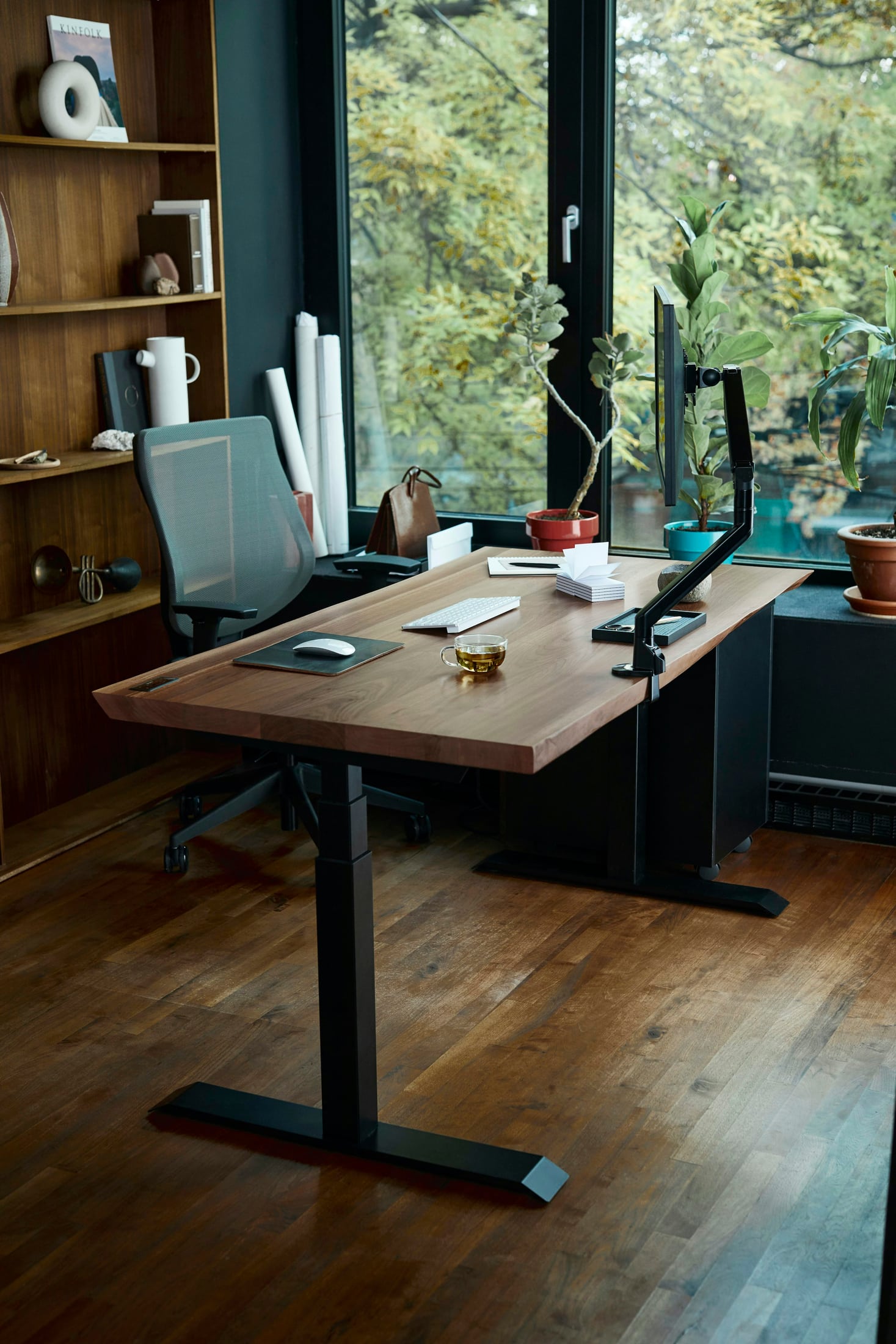
The corner that looks best from the doorway may be awkward once you sit down. A window fills the space behind the screen, a chair interrupts the route to a cabinet, or the wall outlet becomes inaccessible. Desk placement is the decision that brings those everyday details together.
Begin with the interruption you want to remove. Perhaps you keep adjusting the blinds, moving your chair for someone passing behind, or rearranging the room before a call. Give a new location that specific job. If the current position already works, a different view alone does not require a room makeover.
Watch the light from the seat
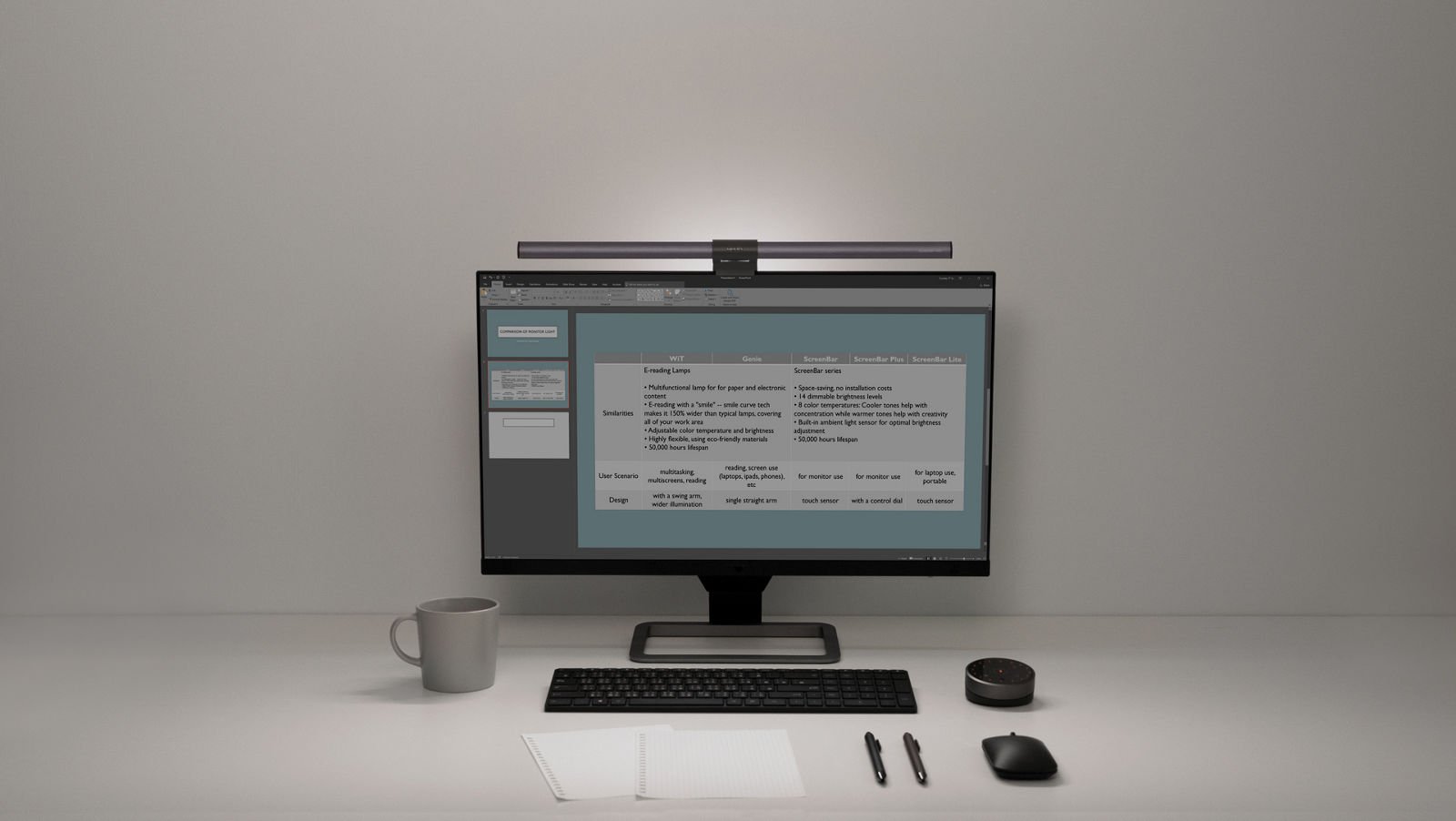
Look at the screen and the area behind it during your normal working times. Light reflected on the display and a bright window in your line of sight are different problems. A location that seems inviting in the evening may behave differently when daylight reaches the room.
OSHA's workstation-environment guidance considers direct and reflected light, screen placement relative to windows and window coverings. These are useful checks before choosing a position, rather than a guarantee that any particular desk direction will work.
Try the available blinds or curtains and consider another screen orientation. A window to the side can be a candidate, but inspect the result: neighboring glass, another light or the screen's angle can still matter. If the room position works and only the light needs attention, start with the home office lighting guide before moving all the furniture.
Give each position a reason to exist
A window-facing desk may appeal when you want a view during pauses. Check whether you can read the display against that background and use the room's window coverings without turning every work session into an adjustment exercise. The view is a preference; it does not establish readable work.
A wall-facing desk may keep the workstation at the edge of the room and give you a consistent scene in front of you. It still needs space for the screen, connections and chair approach. Check the camera preview too: what lies behind the seat may be the part of the room you least want on a call.
A desk facing into the room may suit someone who wants to see the door or keep a selected wall behind them. It also brings the chair and connections into a different part of the room. Decide whether the surrounding routes and access remain useful, rather than choosing it only for the background.
Plan for the room around the chair
The chair needs room while you approach, sit, turn and leave. Check the position you actually use, not just the chair pushed beneath the desk. Open the nearby door, cabinet and drawers as part of the same trial. A desk location is incomplete if another ordinary activity has to stop whenever you work.
CCOHS's office-space guidance considers the work performed, access, storage, light and visual or acoustic privacy. Its office-planning questions are useful here; its commercial space allocations are not rules for a home room.
Include where other people pass and which parts of the room are shared. Facing a wall does not by itself prevent interruptions, and a tidy background does not establish privacy. Also notice vents and airflow: OSHA's environment guidance cautions against arrangements that direct ventilation onto the user. Keep that observation in the location decision.
Try the arrangement through an ordinary work sequence
Before committing to a move, identify how the desk, chair and screens could occupy the candidate position. Move furniture or equipment only as its instructions allow, with appropriate help when needed. You can rule out an unsuitable location before undertaking the full move.
Then work through the activities the finished arrangement must support:
- Approach the chair, sit down and reach the keyboard, pointer and usual materials.
- Use nearby doors and storage while the chair is in its working position.
- Check access to the connections you regularly plug in or remove.
- Open a camera preview and inspect the framing, background and light you would actually use.
- Revisit the light during another normal part of the working day.
The camera check is practical editorial planning, not an acoustic or privacy assessment. A satisfactory preview also says nothing about whether the screen remains readable throughout the day.
A better view can create a worse route
Imagine a reader whose window-facing desk looks appealing but leaves the screen difficult to read at a regular working time. Rotating the desk makes another orientation worth trying, yet the chair now occupies the route to shared storage.
The useful decision is to compare that conflict with a wall position or a desk facing into the room. Keeping the current location and using an effective window covering could also remain an option. The preferred arrangement is the one that addresses the reading problem while preserving the room's ordinary activities.
This is a hypothetical room, not a layout we installed. Its point is to follow one change into the rest of the room. Removing the first annoyance is not enough if the new position makes another daily task harder.
Finish the location before choosing accessories
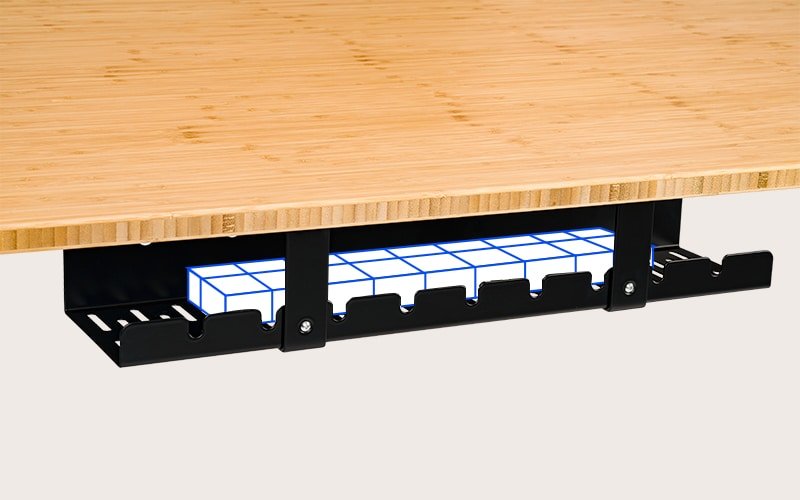
Once a candidate position works, address the remaining connections using the cable-management guide. A desk in the middle of a room needs a considered connection route; a desk beside an outlet still needs reachable plugs and appropriate cable handling.
Then check the chair, inputs and screen together with the workstation-height guide. Room placement and the seated working arrangement answer different questions.
Choose one interruption to investigate today. Keep the least disruptive arrangement that resolves it and still lets the room function. A complete, usable position gives any later accessory purchase a clearer purpose.
Sources and review scope
The linked OSHA workstation-environment and CCOHS office-space resources were read November 2, 2026. Their general planning guidance informs the questions above; Canadian office-space guidance is not presented as a domestic or US legal requirement.
The comparison of room positions, call-preview check and scenario are DeskSpaceLab editorial analysis. We have not tested a reader's room, measured lighting or acoustics, or established ergonomic or health outcomes. Contextual photographs illustrate arrangements, not verified installations.
About this guide: An editorial planning profile, not a medical professional. Turns workspace questions into measurements, layout decisions and practical buying sequences. Editorial profile
Keep planning your workspace.
Use the sources and related guides to choose your next step.
Explore buying guides →