DeskSpace
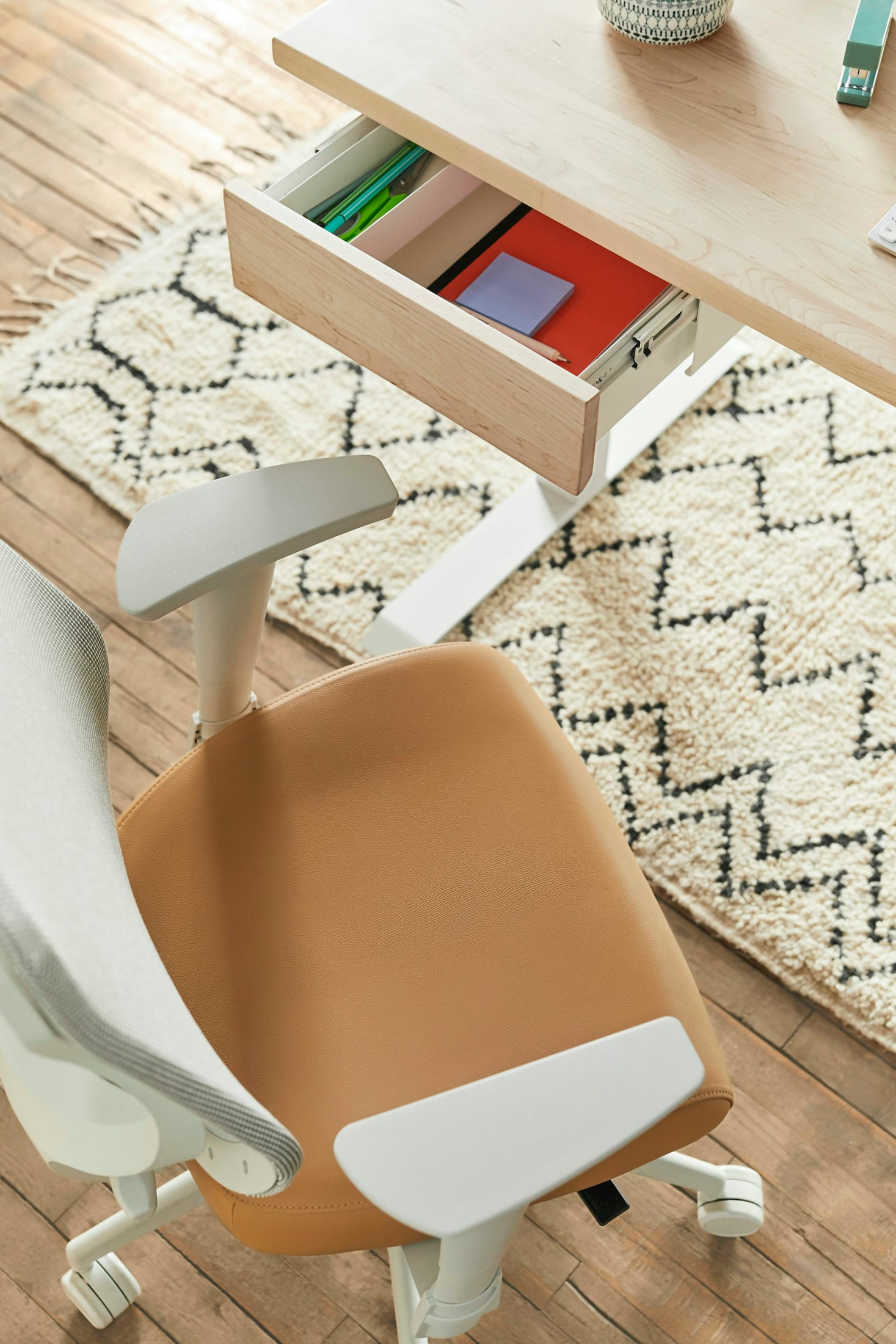
You pull the chair toward the keyboard, and the arm pads meet the desk before you reach the position you wanted. Moving farther back gives the arms room, but changes how you reach the work. That is a useful reason to examine the armrests before deciding the entire chair is wrong.
Good arm support has to belong to the same arrangement as your desk, inputs and ordinary movements. A long list of adjustments is less useful than the particular movement that resolves your problem. Start with what the armrests do during your day: support, obstruct, or stay out of use.
Look for support you can actually use
OSHA's chair guidance treats the chair as part of the workstation. Its armrest discussion considers supports that are too high, low, wide, close or obstructive, rather than presenting the presence of armrests as enough.
Settle into your usual working position and notice what happens when you use the pads. Can the arms rest there without the supports lifting your shoulders or holding your upper arms away from your body? Can you still approach the keyboard and use the pointer? A pad that is reachable only when you sit farther from the work is not yet a useful answer.
CCOHS's chair-adjustment guidance similarly describes bringing support to the elbows without lifting them and keeping movement unobstructed. Use those as questions for the complete arrangement, not as a prescribed setting for every person.
Match the adjustment to the obstruction
Fixed arms may already suit the relationship between your seat, desk and inputs. If they do, their simplicity need not be a reason to replace the chair. If they do not, there may be no relevant arm adjustment available.
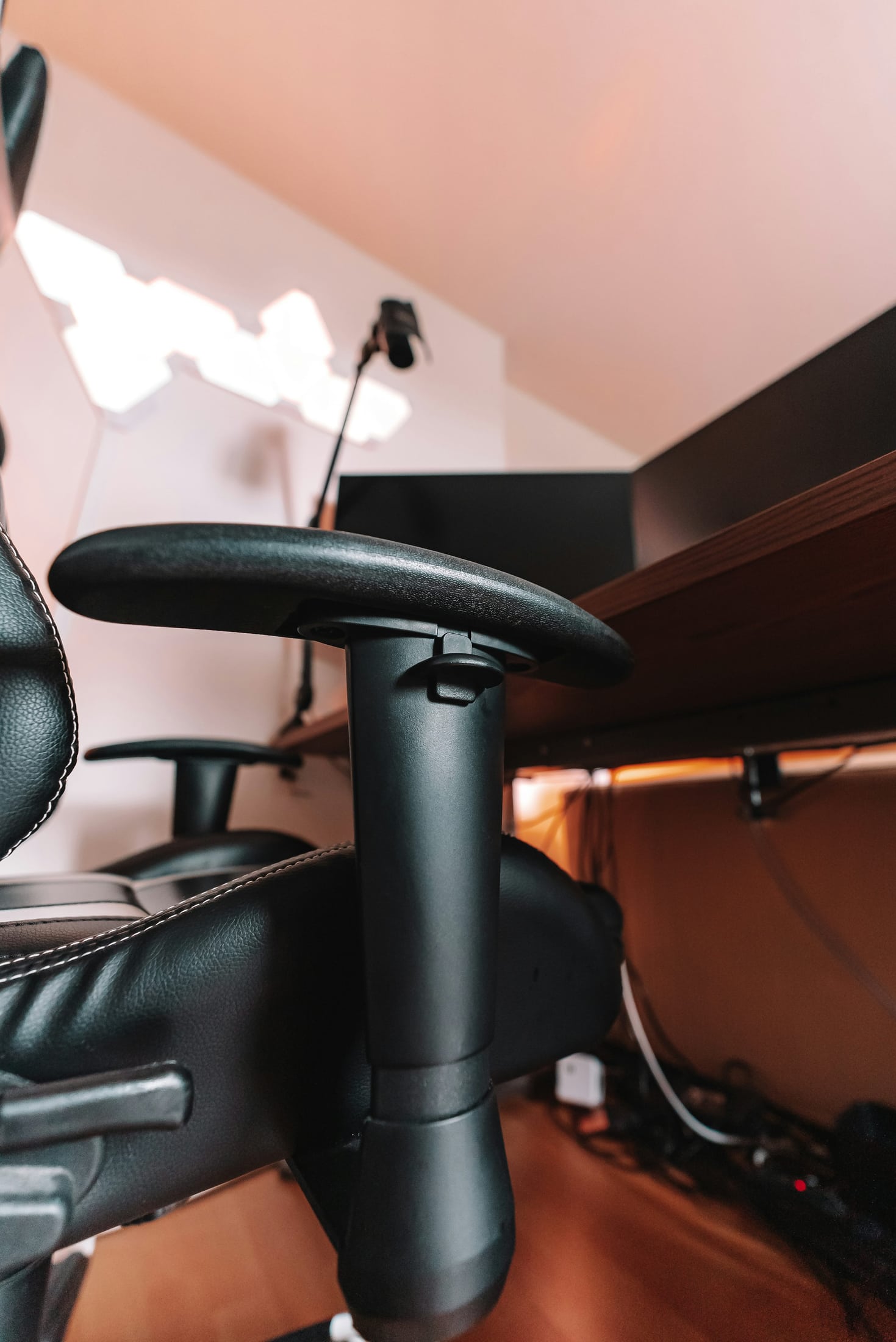
Adjustable arms offer control over the movements specified for that chair. Check which movement you need and whether the actual mechanism supplies it. A height control does not resolve every width or approach problem, and a label describing more directions does not tell you where the pad will end up in your setup.
Arms with a designed flip-up or stowing control may provide another way to clear the approach. That feature does not prove that their lowered position gives useful support. Confirm the mechanism and its instructions; do not assume an ordinary armrest is meant to fold because another chair's does.
The useful comparison is between the positions you can use. No particular mechanism or chair model has been qualified by this guide.
Check the chair while the work is happening
Begin with the seated setup you are trying to preserve. Use the chair's controls as its manufacturer describes, and make a deliberate change to the arm position rather than changing several parts at once. Then revisit the activity that revealed the problem.
Typing is only part of that check. Use the mouse, reach for the notebook, turn toward the other work on the desk, and sit down and stand up again. An armrest can clear the desk during one approach and still obstruct a movement you regularly make.
Also try the part of the day when you normally use the support: perhaps reading a document or taking a break from the keys. The aim is to see whether it has a useful place in your routine, not to maintain contact with it throughout every task.
A note such as “the pad catches the edge when I approach the keyboard” is more useful for the next decision than “I need better armrests.” It identifies the relationship an adjustment or replacement must change.
Do not lower the whole seat just to hide the arms
Imagine a reader whose arm pads stop the chair before the keyboard is within the intended reach. Lowering the seat lets the pads pass beneath the desk, but changes the reader's position relative to the keys. The obstruction has disappeared without establishing that the working arrangement is better.
The first investigation is the chair's designed arm adjustment. If the relevant control exists, try it while preserving the seated relationship that was working. If the arms remain in the way, identify the manufacturer's permitted alternatives before changing the assembly or choosing another chair.
This is a hypothetical case, not a fitting assessment. It does not mean the seat should never be adjusted. It means the seat, arm support and input position need to be judged together, rather than making one part disappear beneath the desk at any cost.
Decide whether the arms still have a useful role
OSHA and CCOHS both discuss not using or removing armrests when suitable adjustment cannot be achieved or the supports interfere. That general guidance does not establish that the arms on your particular chair are removable, nor does it supply a dismantling procedure. Check the exact manufacturer's instructions for any removal, folding or replacement.
An armless chair is a different support arrangement to consider, not an automatic upgrade. It may remove the obstruction you identified, but you still need to evaluate how you sit, approach the work and support your arms during ordinary tasks.
Keep the existing chair when an available adjustment resolves the conflict and the rest of the arrangement remains useful. Investigate a different chair when the actual constraint persists and its documented controls offer a relevant solution. Avoid buying extra adjustment directions without knowing which one you need.
Follow the question that remains
If the armrests work but the keyboard still feels difficult to reach, continue with the desk-height and workstation-position guide. That considers the chair, inputs and completed desk together.
If access is resolved and the next decision concerns the seat itself, the mesh-versus-cushion guide addresses that separate preference. A different seat material cannot be assumed to fix an armrest obstruction.
For now, identify one repeated conflict and test the adjustment designed to address it. The useful outcome may be a chair you can keep, with a clearer understanding of the support you actually use.
Sources and review scope
The linked OSHA chair guidance and CCOHS chair-adjustment guidance were read November 2, 2026. They inform general workstation questions, not a personalized fitting prescription, a chair-removal instruction or a promise about pain or injury.
The comparison of armrest arrangements and hypothetical keyboard-approach example are DeskSpaceLab editorial analysis. We have not tested a chair, assessed a reader's fit or established the mechanism shown in a contextual photograph. Any physical change requires the exact chair's instructions.
About this guide: An editorial planning profile, not a medical professional. Turns workspace questions into measurements, layout decisions and practical buying sequences. Editorial profile
Keep planning your workspace.
Use the sources and related guides to choose your next step.
Explore buying guides →