DeskSpace
Which approach suits your setup?
Start with V3 for a low seated surface and deliberate top/keypad choices. Investigate E7 Pro for its higher documented upper range on the stated feet and its rearward, preset-equipped layout. When both reach your positions, choose on actual mounting space and complete cost.
Document-based comparison. DeskSpaceLab has not tested these products head to head.
UPLIFT V3
Prioritize a low seated surface, then choose the top and an Advanced keypad if you want saved positions. Confirm the finished height and mounting layout.
FlexiSpot E7 Pro
Investigate its higher upper range, rearward supports and described four presets when the finished minimum also reaches your seated position.
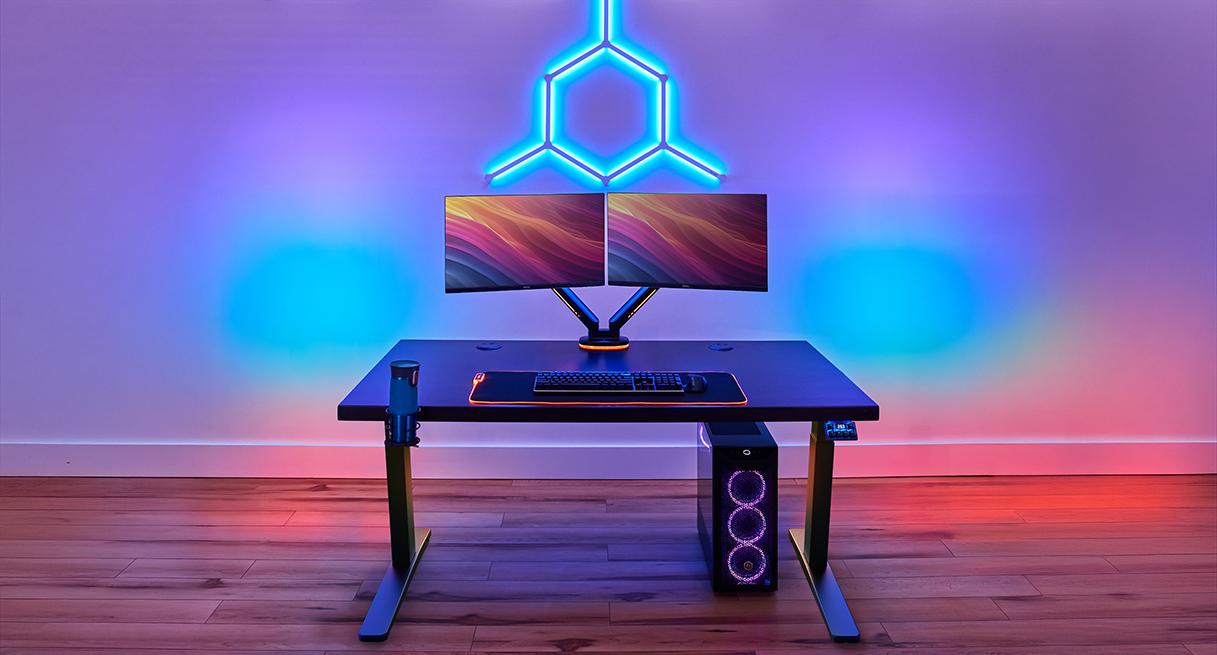
A useful sit-stand desk lets your screens, notes and input devices move together as you change working position. V3 and E7 Pro both offer that kind of workstation. The first decision is where the finished surface needs to stop; the next is how the frame, controls and cable equipment support the work you do there.
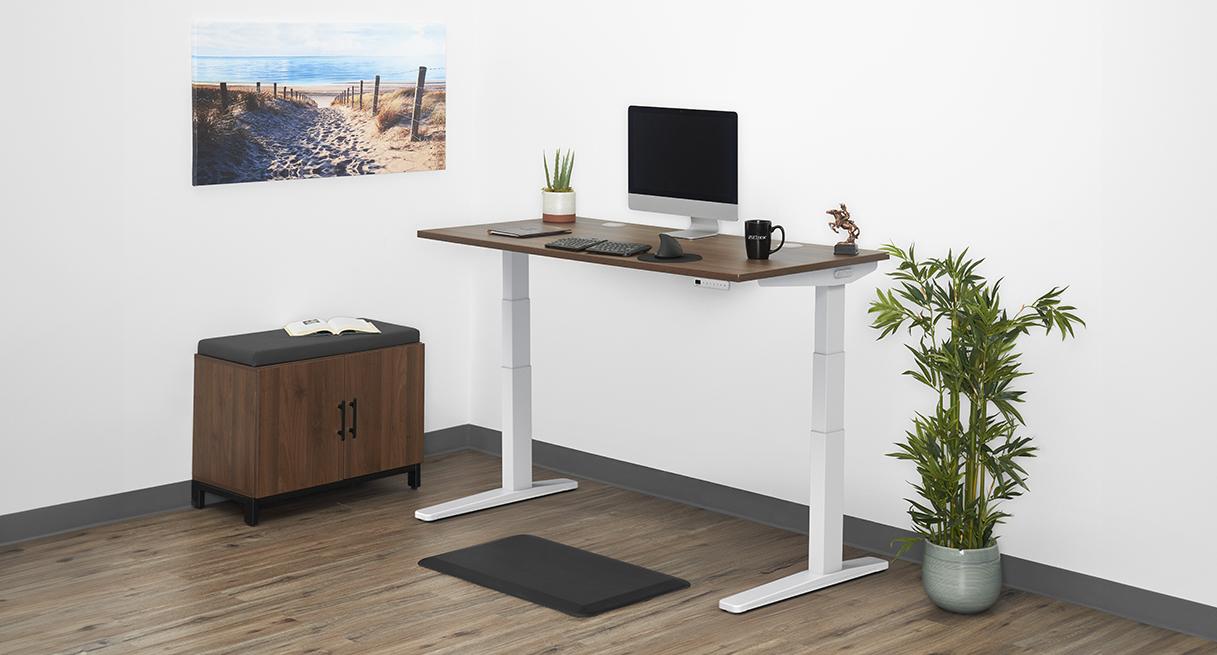
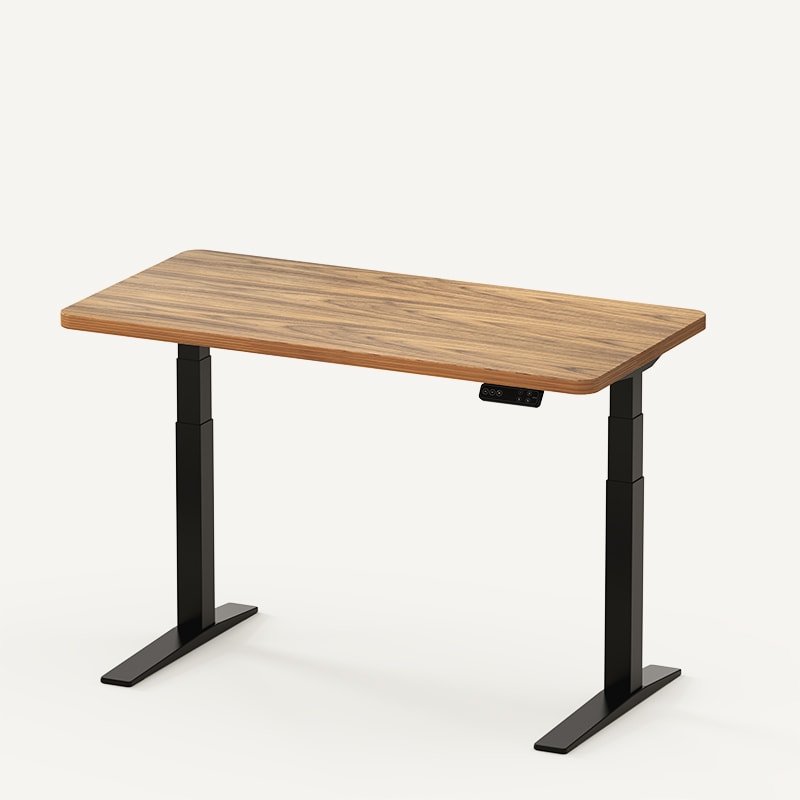
This comparison concerns the US UPLIFT V3 two-leg C-frame, FV3-200, and the US E7 Pro offered on FlexiSpot's linked product page. We have not tested them head to head. DeskSpaceLab participates in the UPLIFT Desk affiliate program; V3 links are affiliate links and E7 Pro links are direct manufacturer links. UPLIFT supplied the credited V3 visual. Neither image proves our ownership or an exact delivered configuration.
Choose the improvement you will use
Choose V3 first when a low seated surface is the difficult requirement. Its lower documented frame minimum gives you more room to select a suitable top while preserving that position. Add an Advanced keypad if recalling saved heights matters; Basic controls require a held press.
Investigate E7 Pro when its finished minimum already suits you and you value its rearward support arrangement, described four memory positions and cable equipment. Its documented upper range is higher on the feet assumptions below. That can matter for a high standing target, while the minimum can rule it out for a low seated one.
If you already know those requirements, use the appropriate seller now:
- V3: Configure UPLIFT V3 at UPLIFT, keeping the top thickness, feet and selected keypad together. Affiliate link: we may earn a commission on qualifying purchases.
- E7 Pro: View FlexiSpot E7 Pro at FlexiSpot, checking the supplied controls and cable equipment. This is a manufacturer link, not an affiliate link.
If your present desk already supplies the positions and workspace you need, keeping it remains a useful option.
Compare the finished surface on the same basis
| Documented starting point | UPLIFT V3 C-frame | FlexiSpot E7 Pro |
|---|---|---|
| Range before the top | 21.6–47.7 in without foot spacers | 25–50.6 in, expressly Without Top |
| With an assumed compatible 1-inch top and no other net height change | Calculated 22.6–48.7 in | Calculated 26–51.6 in |
| Height-related purchase choice | The specified foot spacers raise the frame range to 23.8–49.9 in | Confirm the selected feet/casters and their actual net effect |
| Saved positions | Select an Advanced keypad; Basic is held-press control | Four memory positions described; confirm the supplied controller |
Sources: V3 frame sheet, SP-FV3-200C-1.1, FlexiSpot's official E7-family comparison, and the UPLIFT and E7 Pro configuration descriptions. The E7-family page supplies Pro's explicit without-top basis; regular E7 has a different range.
The complete desk changes with top thickness, leveling, spacers and casters. The calculated rows are not assembled-desk measurements or approval for an individual top. With the particular 1-inch assumptions, the ranges overlap from 26 to 48.7 inches. If both of your required positions fall inside that overlap, height alone does not choose the winner.
Worked decision: two working plans produce different shortlists
Consider two independent fictional workstations. Both assume a compatible 1-inch top, ordinary feet and no spacers, casters or other net height increase. The targets below are desktop-surface requirements, not body-height recommendations or measured DeskSpaceLab setups.
| Planning example | V3, calculated 22.6–48.7 in | E7 Pro, calculated 26–51.6 in |
|---|---|---|
| A: 24-inch seated and 44-inch standing surface | Both positions are within range | Seated target is 26 − 24 = 2 inches below the minimum |
| B: 27-inch seated and 50-inch standing surface | Standing target is 50 − 48.7 = 1.3 inches above the maximum | Both positions are within range |
For plan A, shortlist the stated V3 configuration. For plan B, shortlist the stated E7 Pro configuration. The choice follows the positions you need, rather than the higher load claim or number of presets. Each passes only a numerical height screen; top support, mounting, real finished height and personal working fit remain to confirm.
Plan B also has a V3 alternative worth pricing: the specified foot spacers plus a 1-inch top calculate to 24.8–50.9 inches. That could cover 27/50 if the actual configuration is confirmed, but would lose plan A's 24-inch seated position. A height-raising accessory solves one requirement while potentially removing another.
If you measured at the keyboard keys, use the height-planning guide to establish the corresponding surface targets before applying these calculations.
Make the controls and mounting space earn their place
Saved positions are useful on either desk when they let you return to heights you have already chosen. Match that function in the quotes: comparing a Basic V3 controller against a preset-equipped Pro bundle would price different conveniences.
V3's included FlexMount pouch provides cable storage that can be adjusted around the planned equipment. Its WMK014 instructions show fore-and-aft bracket positions and adjustable pouch depth, with a 10 lb pouch limit. Begin with that included organizer and your actual monitor clamp before adding another tray.
E7 Pro's rearward supports and described tray/fabric cover make it worth investigating for a setup with chair movement or equipment underneath. V3 is also a C-frame; compare the actual mounting and leg space on each configuration rather than treating rearward supports as exclusive to Pro. The official comparison lists applicable tops of 47.2–80 inches wide and 24–30 inches deep. Put the clamp, keyboard-tray track and any computer holder on the proposed underside plan; the semi-C label does not by itself establish clearance.
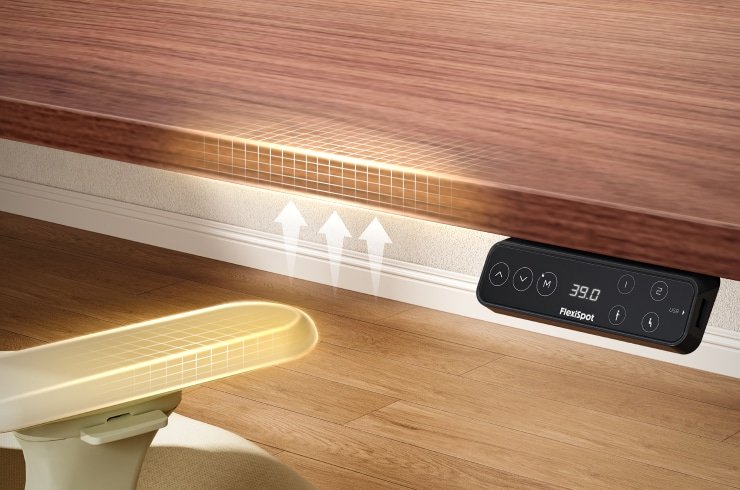
For both, confirm top thickness, edge shape, fixing space and access to tighten mounts. Cable storage on the moving desk still needs a clear connection to the wall outlet through travel. Keeping a useful existing mount is a saving only after its installation is confirmed.
- If V3 supplies your required surface and the selected controller and mounting plan work, Configure UPLIFT V3 at UPLIFT. Save that complete selection. Affiliate link: we may earn a commission on qualifying purchases.
- If E7 Pro supplies both positions and its layout and included equipment suit the setup, View FlexiSpot E7 Pro at FlexiSpot. This is a manufacturer link, not an affiliate link. Confirm the supplied revision and parts before treating the quote as complete.
What outside working experience adds
For V3, Anthony Spadafora's October 2025 Tom's Guide review describes a month with a 42-inch top and Advanced Comfort Flush keypad. He appreciated room for a rear monitor mount around the adjustable pouch and smooth starts and stops at saved heights. Those observations make the cable-and-control benefit concrete; his configuration does not prove that every clamp or desktop arrangement will fit. The publication discloses affiliate links; sample funding was not established in the inspected article.
For E7 Pro, Danny Welsch's March 2024 Gadgeteer review describes easy recall between his working positions, useful included cable pieces and a 55 × 28-inch bamboo top. He noticed some standing-height movement without finding it problematic, and warned that the assembled desk was heavy to move. The manufacturer supplied his sample and the article discloses affiliate links. Its region and equivalence to today's supplied revision are unconfirmed.
These are individual experiences from different years and setups, not a matched comparison or a reliability survey. We do not turn either account into our own comfort, noise or stability finding. Check installation space and handling instructions for the actual order rather than planning around another reviewer's assembly time.
Keep the load labels attached to the numbers
V3's 355 lb Lifting Capacity includes the desktop in its product information. The linked E7-Pro-V2 manual separately lists 440 lb / 200 kg Max. Static Load and 396 lb / 180 kg Load Capacity. The generic second label does not expressly define lifting or desktop-weight accounting.
Consequently, 440 versus 355 does not prove an extra 85 lb of moving equipment capacity. Inventory the top, screens, arms and attached storage, and confirm the applicable moving-assembly definition for the delivered frame. The manual filename identifies the consulted document, not every shipment. None of these load figures ranks screen wobble while typing.
Compare the complete quote and return exposure
Price the selected top, frame, feet, controller, necessary mounts, included cable parts, delivery, tax and any assembly service once. When both desks meet your requirements, choose the complete configuration whose useful features justify its delivered cost. We have not verified a live cart or current price for either. The complete-cost tool can organize actual quotes.
UPLIFT's return policy requires a request within 30 days of receipt, authorization, like-new condition and original packaging. Covered return shipping within the contiguous US applies to qualifying FedEx parcel orders. An order sent by “Free Freight Delivery” requires you to arrange and pay for return freight. Confirm the selected top's exclusions and shipping method; packing and disassembly remain your responsibility.
FlexiSpot's standing-desk policy describes a continental-US qualifying 30-day provision without return-shipping or restocking fees in the stated like-new condition. Authorization, original packaging and disassembly/repacking requirements apply. Outside like-new condition, 10% restocking can apply; improper packing may add fees. Confirm exact-order eligibility. Neither policy is an unconditional assembled-trial promise, and warranty coverage needs to match the actual components.
Choose the configuration that improves your setup
For a low seated surface or a deliberate top/controller selection, Configure UPLIFT V3 at UPLIFT with the finished height and mounting plan confirmed. Affiliate link: we may earn a commission on qualifying purchases. The V3 guide covers its options in more detail.
For a suitable minimum plus the higher stated upper range, rearward layout and described presets, View FlexiSpot E7 Pro at FlexiSpot with the actual revision, top and included parts recorded. This is a manufacturer link, not an affiliate link. The E7 Pro guide develops the model checks.
You can visit either seller directly. The optional purchase worksheet stores one configuration at a time; download its notes before beginning the other. Keep a suitable desk you already own when neither purchase solves a meaningful limitation.
Sources and verification dates
Manufacturer frame, E7-family height basis, Pro product descriptions and V3 controller/cable passages were checked October 19, 2026. The FlexMount instructions were read that day during the V3 research. The E7-Pro-V2 PDF's specifications were visually read October 12; its current product-page link was rechecked October 19, but the PDF was not freshly reread. Confirm which revision your order supplies.
The two linked outside reviews were reopened October 19. Return-policy details were reviewed October 12; accessible UPLIFT summary/shipping exceptions and the FlexiSpot product-page summary were rechecked October 19. Not every current contractual subsection or selected order was verified. All worked dimensions are fictional planning arithmetic, not hardware or performance tests.
Does this purchase meet your requirements?
Use this for one exact configuration. Mark a check confirmed only after you have the relevant dimensions, documentation, seller answer or personal fitting experience. A failed essential requirement takes priority over price.
Include model, selected options and where each answer came from. For a comparison, download one record, then start another configuration to clear its answers before recording the next cart.
Five checks still need confirmation. Collect the missing answers before deciding.
Download your notes before starting another configuration. That button clears the entries on this page.
Entries stay on this page and are not saved or submitted. Download them before leaving or reloading. This records your answers; it does not certify product fit or performance.
About this guide: An editorial comparison profile, not an independent testing laboratory. Compares equivalent configurations and gives conditional recommendations without a universal winner. Editorial profile
Keep planning your workspace.
Use the sources and related guides to choose your next step.
Explore standing desks →