DeskSpace
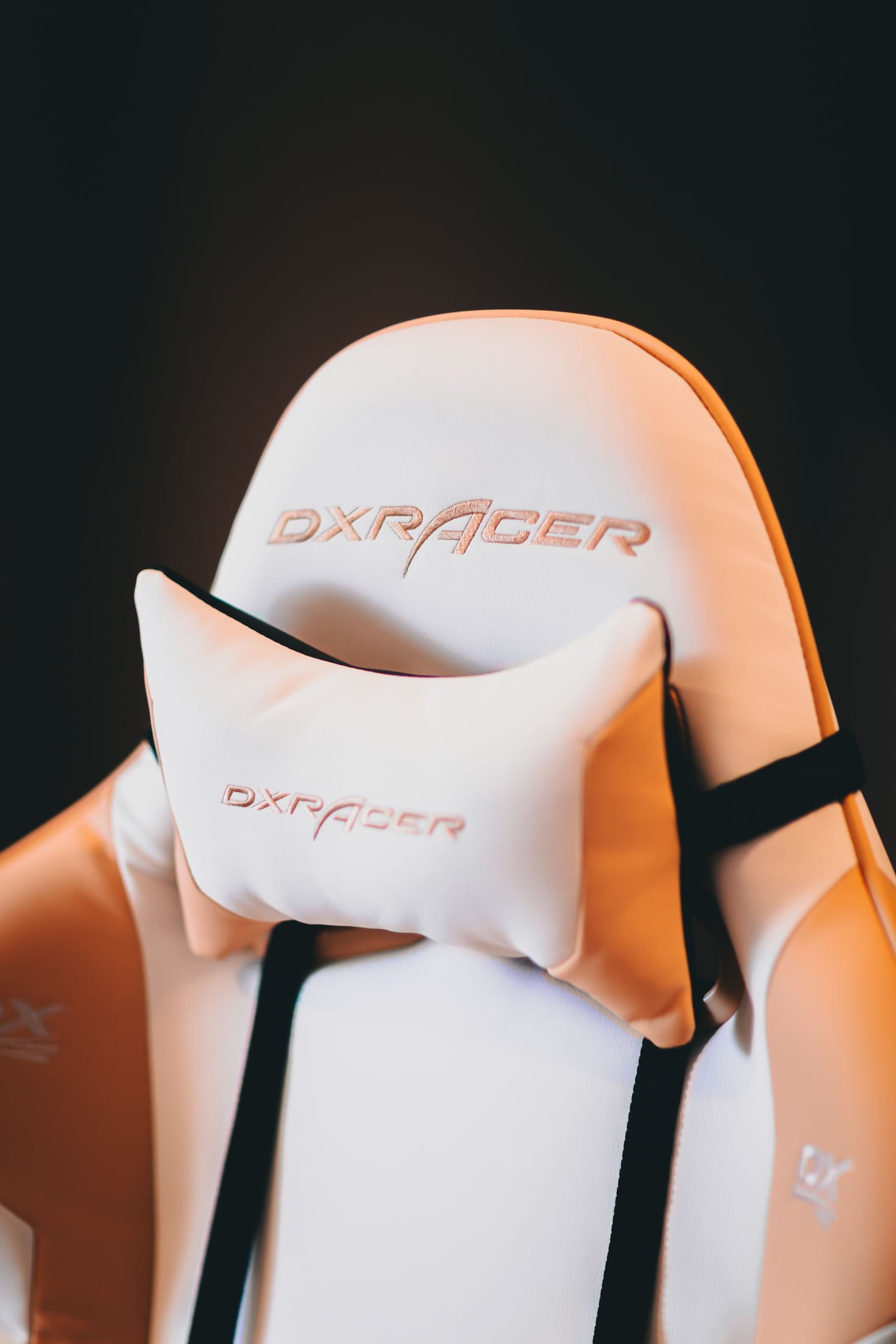
An extra pad can make a chair look more inviting without answering what you want it to do. You may welcome contact while leaning back to read, prefer it during another task, or find that it occupies a space where you would rather move freely.
Choose around that actual moment. A headrest is worth considering when its position and adjustment offer support you want on a chair that already suits the desk. A chair without one remains a useful alternative when the contact is unnecessary or gets in the way.
There is no verdict for every person from the presence of a headrest alone. The worthwhile improvement is a chair whose optional support serves your day without requiring you to organize the rest of the workstation around the pad.
Give the support an ordinary task
Think about when you would use it. Is it during a reading break, a conversation, or upright work? Naming that moment gives the feature something concrete to demonstrate. “A more ergonomic chair” is too broad to show whether this particular addition helps.
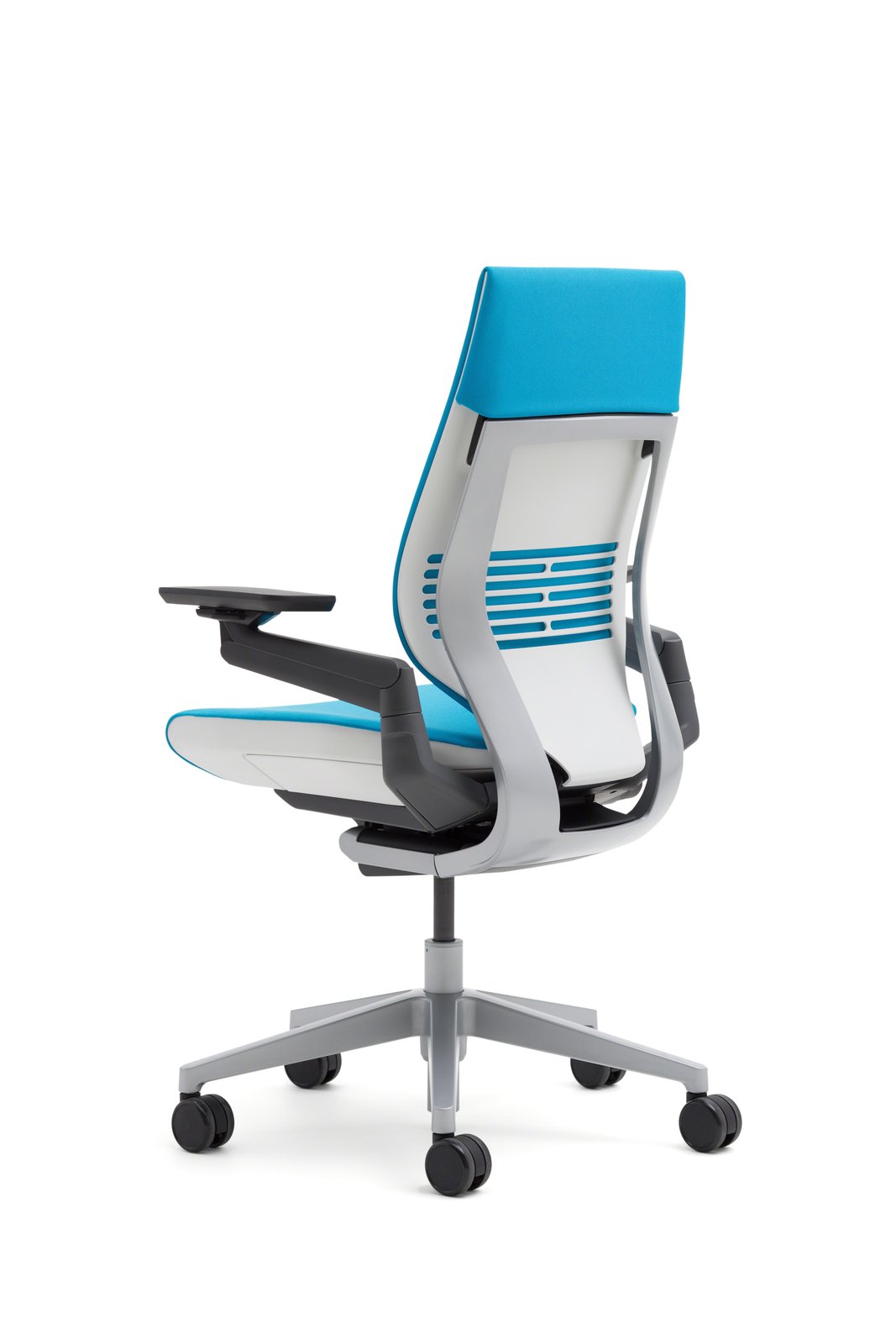
Do not assume headrests are only relevant when reclining. On its official Americas Gesture page, Steelcase describes an optional headrest with adjustment for upright and reclined use. That establishes the intended possibilities of that option; it does not establish how its contact will suit you.
Compare the wanted task with a task where the support may be irrelevant. A useful reading position should not come at the expense of an unwanted obstruction while you type. Equally, a headrest does not need to be in constant contact to have a worthwhile role in a particular activity.
Start with the chair and desk around it
Arrange the main chair controls and work equipment before judging the headrest. Your relationship to the keyboard, screen and desk remains part of the decision. Moving the screen simply to make yourself meet a pad could leave the original task less convenient.
OSHA's chair guidance treats the chair as part of the workstation and encourages assessing adjustment and fit before purchase. It does not establish a universal headrest requirement. Its focus on other chair components is not evidence that headrests are inherently useful or harmful.
CCOHS's chair-selection guidance likewise cautions that an ergonomic label does not make a chair suitable for every person or task. Apply that same question to the accessory: does the actual arrangement suit what you do?
If the chair's ordinary seated position remains unresolved, address that first. Adding another contact point cannot demonstrate that the seat, back or desk access is right.
Assess wanted contact, not the feature list
When a suitable trial is available, use the manufacturer's controls to compare the positions you need. Notice where the support meets you, whether you want that contact and whether it can be adjusted without disturbing the rest of the chair arrangement.
Return to ordinary typing and look toward the screen. Then try the reading or leaning-back position that gave the headrest a purpose. You are checking how those activities fit together, rather than trying to stay in contact with the accessory throughout.
Adjustment names are only a starting point. Steelcase describes vertical movement, tilt and rotation for Gesture's optional headrest, but that description does not establish personal fit. A different chair or a strapped cushion should not be assumed to offer the same behavior.
If the support persistently pushes you toward a position you do not want, reconsider the option. Follow the exact manufacturer's instructions for any permitted adjustment or removal; do not improvise a modification to the chair.
Treat adding one later as a separate purchase
An optional headrest at checkout does not prove that the same component can be fitted afterward. Before buying a chair on the assumption that you can add it later, ask the seller about the exact regional model, configuration and permitted installation.
Steelcase's regional support answer about adding a headrest describes factory installation for the chairs it covers. That is an en-GB support page, not a statement of US purchase or retrofit terms. Its practical lesson is to confirm the option before ordering rather than treat it as an interchangeable extra.
The same care applies to third-party attachments. Atlas's Aeron Remastered support page uses chair identity and manufacturing information to help match its headrest. That matching process does not establish Herman Miller approval, universal fit or the suitability of an unrelated accessory.
Avoid choosing from a similar-looking chair photograph alone. The mounting method and exact compatible version need documentary confirmation.
Compare the same day with and without it
Imagine a reader who types at the desk and occasionally leans back to review a document. The reader first arranges the chair and equipment for typing, then examines whether a headrest can provide wanted contact for reading without making the typing position less usable.
If the candidate serves both activities acceptably, the option has a reason to stay in the comparison. If it interferes with an ordinary movement and cannot be adjusted appropriately, a chair without it may be the better candidate. If the reader never wants the contact, the more elaborate-looking chair has not established an advantage.
This is a decision scenario, not a trial we conducted. It does not predict comfort or a change in neck symptoms.
Keep the alternatives tied to the real problem
Before ordering, identify the task, the wanted contact and the exact supported configuration. If the remaining question is Gesture itself, the Gesture guide explains that chair's broader choice.
If the interruption is reaching the desk or placing the arms, use the armrest guide instead of expecting a headrest to settle it. You can also keep the chair you have when its ordinary tasks already work well. A headrest is an option to assess, not a missing part every workstation needs.
Sources and review scope
The official OSHA, CCOHS, Steelcase and Atlas pages linked here were read November 2, 2026. Manufacturer descriptions establish features and matching questions, not personal results. This guide provides editorial planning, not a clinical assessment, medical recommendation or physical chair test.
About this guide: An editorial planning profile, not a medical professional. Turns workspace questions into measurements, layout decisions and practical buying sequences. Editorial profile
Keep planning your workspace.
Use the sources and related guides to choose your next step.
Explore buying guides →